
APIC – Angular 22 Admin Dashboard Template for SaaS & CRM
APIC is a multipurpose, creative, and modular Angular 22 admin dashboard template, ideal for sales and analytics dashboards, management panels, and SaaS-based admin interfaces overall.
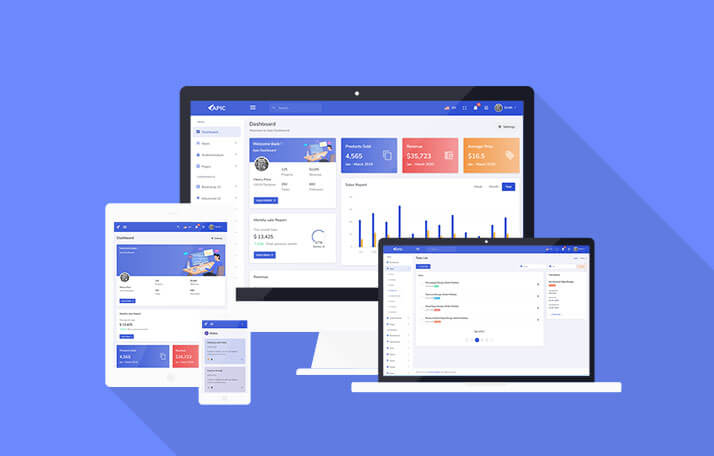
See every module before you buy
Each screenshot opens the full APIC – Angular 22 Admin Dashboard Template for SaaS & CRM live preview, where you can browse the live preview and documentation.







Overview
About APIC
APIC is an Angular admin dashboard template crafted with Angular 22, Bootstrap 5.3, SCSS and TypeScript, while NG Bootstrap 21 empowers the interactive elements. From an empty Angular project, getting an admin panel up and running normally takes two weeks of routing, layout shell, sidebar, login screens, tables and forms before any business logic can be implemented. APIC does away with this process letting you focus on the part that actually differentiates your product.
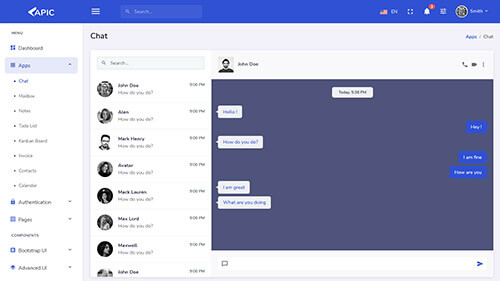
The template provides 80+ pages, 9+ dashboard variations, vertical, horizontal and box layouts, and Light, Dark and RTL versions. The focus is on pages that real projects need time and time again: projects, tasks, email, calendar, notes, to-do list, invoices and contacts. Each one is a fully formed front-end flow with add, update and delete features working in the interface.
Built to be fast and minimal, there is no bloat on the template. There's no heavy framework sitting on top of Angular and Bootstrap, so what you see in the demo is what you get in the project: easily readable components, familiar Bootstrap classes and SCSS that can be restyled in an afternoon. Whether you are building a SaaS control panel, an internal tool or a client portal, APIC provides a clean Angular admin template to work from.
Why Choose Apic Angular Admin Template?
Many admin templates bloat their page count with the same table under different names. APIC's 80+ pages are truly unique screens, and the main apps are fully implemented, meaning you can put a working product in front of a client long before a single API endpoint is in place. That is a more compelling demo than a gallery of screenshots, and proposals get approved sooner.
APIC is a front-end template only. The data is mocked up in the UI, and you plug your own API or backend in when you are ready. The folder structure is intuitive, styles are written in SCSS and the variables are overridable, and everything is typed with TypeScript, so your editor assists you as you expand on the project. Pull a card, table or form from one page and drop it into another without worrying about dependencies. There is detailed documentation covering installation, project structure and customization.
Your purchase includes a year's support and unlimited updates, so the template keeps pace with Angular and Bootstrap at no extra cost. If you get stuck while getting set up, or find yourself facing what looks like a bug, contact us and we will help you sort it out.
What's Included
- Full Angular 22 source code (TypeScript, SCSS, Bootstrap 5.3, NG Bootstrap 21)
- 80+ pages and 9+ dashboard designs
- Vertical, horizontal and box layouts with 4 sidebar styles
- Light, Dark and RTL versions
- Documentation for setup, structure and customization
- 1 year of support and unlimited updates
Key Features of APIC
9+ Dashboard Designs, One Consistent Look
More than nine dashboard variations are available, covering analytics, sales, projects, and several other popular options. Choose the one that best fits your product and remove the others. All dashboards are built using the same design conventions so that you can combine widgets from different dashboards seamlessly.
3 Layout Modes and 4 Sidebar Styles
Run APIC with a classic vertical sidebar, a horizontal top navigation, or a boxed layout that keeps the content centered on wide monitors. Both vertical and horizontal demos are included, so you can test how your own menu structure will perform in each case before you make any changes. The sidebar comes in the dark, light, condensed (only icons) and colored versions – these are the first things the client will ask to change, and we have done it already.
Light, Dark and RTL Versions
Dark mode is applied to all the elements of the template, including charts, tables, and forms. The software offers right-to-left (RTL) language support for Arabic, Hebrew, and Urdu, which is integrated at launch rather than a later addition.
80+ Pages: Authentication, Utility, UI and Apps
The software features a list of pages as a front-end solution that involve authentication, utilities, UI components, and apps. All the applications have been developed using the same list of patterns for lists, forms, and confirmation. The users can easily operate and navigate the interface as they learn the patterns for one page and can easily decipher the others. Such an experience is not available in a dashboard-based interface designed from different resources.
Task List With Kanban Board
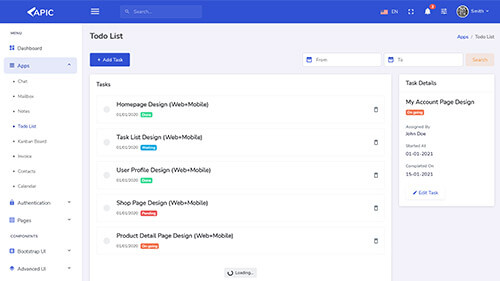
The task list offers an add task button, date filters, colored tags for task statuses, delete buttons, and pagination to ensure that the lists are easy to read and visually appealing. The application also allows users to click on a specific task to open up a details panel on the right-hand side of the interface. The panel contains the task name, status, assignee, start and finish dates alongside an edit task button. As a result, users can quickly access and update any information without returning to the main panel. Alternatively, the users can use the Kanban-style task board to drag and drop tasks in various stages. The application provides the option to switch between the two interfaces without designing separate dashboards.
Notes With Tags and Favourites
Notes are color coded cards with a title, date and short text. The sidebar switches between All Notes and Favourites, or filters by tag: Personal, Work, Task and Important. Every card has a favourite star, delete icon and color tag dot. This works well for personal reminders, meeting follow-ups and shared team notes, and it gives your dashboard a feature people open every day.
Email, Calendar, Projects and To-Do List
The inbox-style email interface can be connected to the mail or messaging service you choose. The calendar handles events and scheduling, a natural base for bookings, deadlines or release dates. Project screens show what the team is working on, and the to-do list covers quick items that do not need a full task. If you are building project management software, a client portal or an agency tool, these are ready-made foundations.
Invoices and Contacts in Grid and Table Views
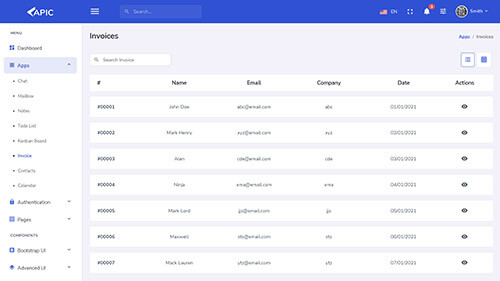
Both come in grid and list layouts: dense rows for finance users who scan quickly, cards for a small address book. Add, update and delete work in the interface, which makes billing, accounting and CRM dashboards a quick build. Swap the mock data for your API responses and the screens keep working.
Advanced Forms and Validation
A broad range of form elements with validation and UI submission states, meaning that error messages, disabled buttons and successfully submitted forms are already thought through.
Sortable Tables and Charts
Several table styles, including sortable tables for larger sets of information. Chart pages cover the common types and are styled across light and dark themes, so that a chart never looks out of place in dark mode.
Drag and Drop, Range Sliders and Ratings
Guided product drag and drop, range sliders, star ratings and alertify-style notifications and confirmation dialogs, sitting alongside modals, dropdowns, accordions, tabs, offcanvas panels, toasts and pagination, all through NG Bootstrap as proper Angular components, not jQuery plugins.
Responsive on Every Device
Fully responsive across modern browsers, phones and tablets. Managers check dashboards on their phones and clients open demo links on whichever device is nearby.
Who APIC Is Built For
Startups and SaaS projects: use it as the interface for your first product or internal tool. Present a realistic UI to your users and investors, iterate faster on your concept thanks to the already built interface elements, and get your MVP ready to test by real users earlier. The task, notes, calendar and email views can be used as the foundation for a project management or collaboration tool, while the onboarding tours will help your users get started right away.
Freelancers and agencies: brand new interfaces take too much time to build, but with your logo, a choice of layouts and themes, your client demo is ready in one day to show to the client. Light, Dark and RTL views + prebuilt app pages will save you hours of work on first briefs, letting you focus on unique functionality that makes your agency more desirable. Your potential client can see how adding a task or viewing an invoice would work in a real app instead of a mockup. The same codebase can be reused for multiple clients, as the theme and sidebar options allow for rapid switching between UI variants without touching any components.
Enterprise developers: take this UI and use it as the foundation for your own Angular dashboard in a large-scale application. Extract the necessary parts and scripts or make the needed adjustments to your specifications. It is not bundled with any specific backend, so it can be easily adapted to your RESTful or GraphQl API, internal service or legacy system that needs a modern frontend skin. The similarities in list/table views, forms and alerts will help your developers get up to speed with the code quicker.
Product teams and internal tools: finance, operations, support and other departments often need a working tool quicker than any design process can provide. With the UI elements focused around task tracking, contacts, invoices, tables and charts, a small team can have a reporting dashboard, approvals system or customer directory ready in days.
Developers who need to build apps with international users in mind: no need to plan RTL language support from scratch — the views are already prepared to be used with Arabic, Hebrew, Urdu and other languages. The responsive design allows to maintain the same functionality and appearance across devices
Custom admin panels, analytics and sales dashboards, CRM and project management systems, invoicing and accounting software, e-commerce and SaaS platforms – these are just some examples of what you can build using this template.
Get Apic
APIC is not going to replace your backend and does not want to. It only removes the first weeks of front-end work: layouts, themes, dashboards, task, notes, email, calendar, invoice and contact screens, forms, tables and charts are already built and consistent. Devote your time to make your product unique, and leave the rest to the template.
Open the live demo to see the dashboards, task list and notes in action, check the documentation, then connect APIC to your own API and start building.
If your project is not using Angular, the same design is available as the APIC Bootstrap Admin Dashboard HTML Template.
Related templates
The modules, laid out like the product itself
All 11 highlights, grouped the way they appear in APIC – Angular 22 Admin Dashboard Template for SaaS & CRM's own sidebar.
Built on Angular 22, Bootstrap 5.3, and NG Bootstrap 21
Responsive, Mobile-First Design
Dark, Light, & RTL Layouts
Modular Angular Component Architecture
End-to-End Solution Invoices & Contacts
End-to-End Solution Tasks & Emails
To-do List & Notes
CRM, Sales, and Analytics Chart Support
Data Tables
Form Components with Angular Validation
Multipurpose Layout Options like vertical, horizontal layouts
What buyers are saying
The template is very complete as an admin panel and was well written in a way that makes it easy to use.
Awesome customer support
Before you get started
APIC is built on Angular 22 with Bootstrap 5.3, including SCSS and TypeScript. Interactive components are built with NG Bootstrap 21. You will receive updates during the life cycle of newer Angular and Bootstrap versions with your purchase.
No. APIC is a front-end template and uses mock data in the interface. Add, update and delete work on screen, and you connect your own API, database or backend service when you are ready.
Yes. Keep the dashboard, layout and app pages your project needs and delete the rest. Components such as cards, tables and forms can be moved between pages without untangling dependencies.
Yes. Light, Dark and RTL versions are included, and dark mode applies to charts, tables and forms as well as the main layout.
Your purchase includes one year of support and unlimited updates. If you get stuck during setup or run into something that looks like a bug, contact us and we will help.
Change log
- Upgraded to Bootstrap 5.3.8 and NG Bootstrap 21
- Angular 22
- RTL & Dark Theme Support
- Bug Fixes
- UI Changes
- Updated to Angular 13
- Updated to Bootstrap 5
- bug fixing
APIC – Angular 22 Admin Dashboard Template for SaaS & CRM in other frameworks

Related templates
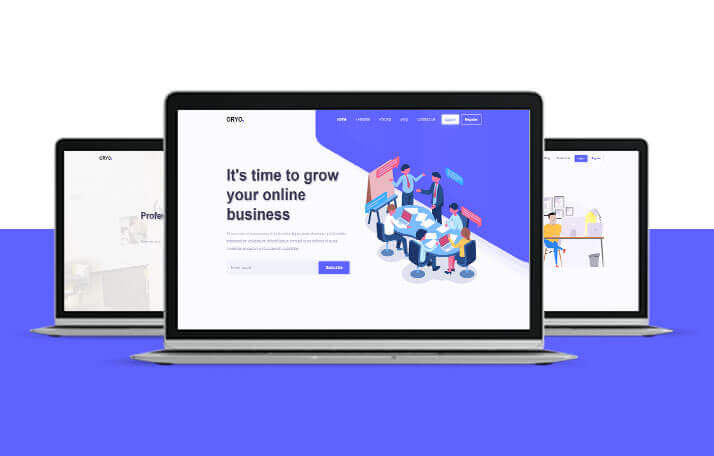
ORYO – Angular Templates for SaaS, Agencies & Startups
ORYO is a modern Angular 20 template collection built with TypeScript and SCSS, offering responsive landing pages and portfolio layouts for startups, SaaS teams, agencies, and freelancers.
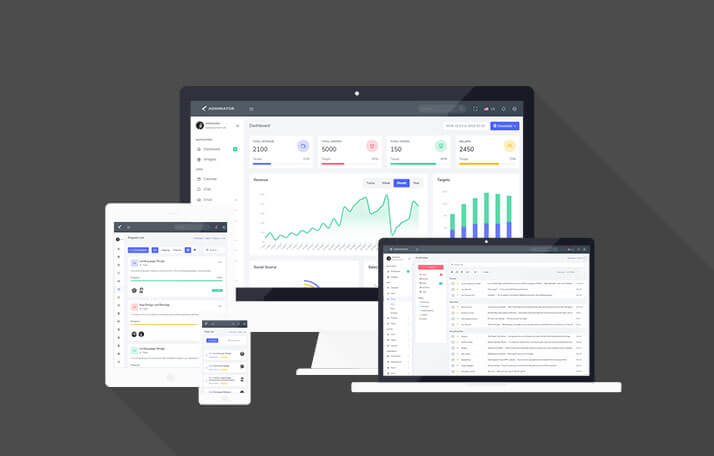
Adminox – Angular 22 Admin Dashboard with 70+ Components
Adminox is a modern Angular 22 admin dashboard starter with 40+ pages, 6 layouts, 3 chart libraries, JWT auth, and NgRx Signals, ready for SaaS, CRM, and analytics projects from day one.
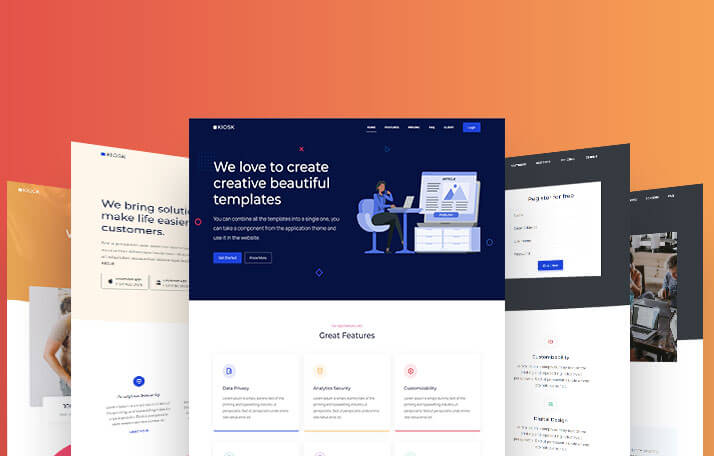
Kiosk – Angular Landing Page Template for SaaS & Agencies
Kiosk is a multipurpose Angular 20 template collection built with Bootstrap 5.3, SCSS, and TypeScript, offering 10+ page variants for startups, SaaS companies, agencies, and portfolios.
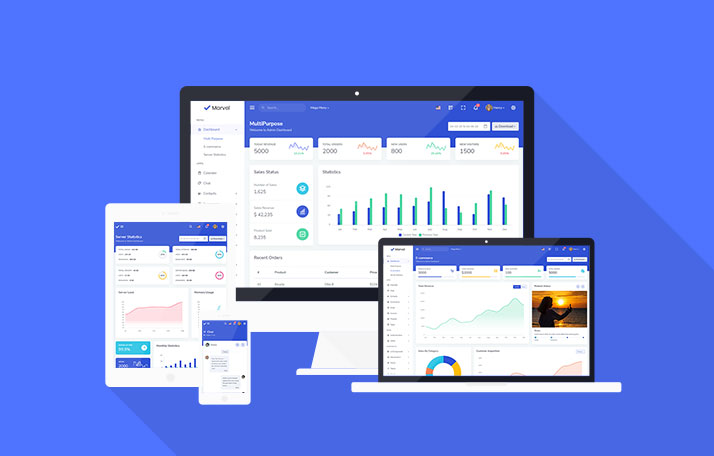
Marvel – Angular Admin Dashboard Template for SaaS & CRM
Marvel is an Angular 21 admin dashboard template with 120+ pages, 350+ components, and prebuilt Kanban, invoice, and eCommerce UI, built for SaaS, CRM, and analytics platforms alike.
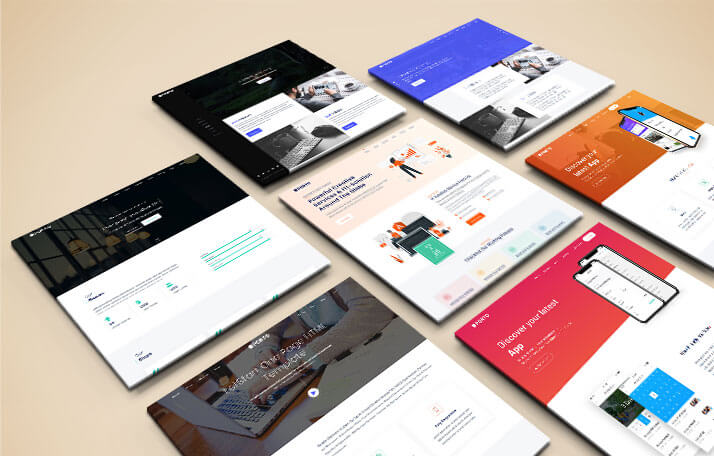
PORTO – Angular 14 Website & App Landing Page Template
PORTO is an elegant, modern, multipurpose Angular 14 website template built for app landing pages, startups, portfolios, SaaS products, digital agencies, and single-page sites today.
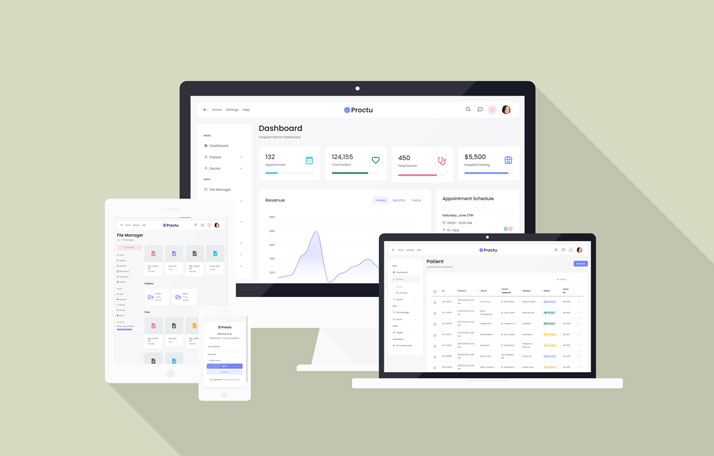
Proctu – Hospital & Medical Angular Admin Template
Proctu is a Bootstrap and Angular 22 admin dashboard panel built for patient and hospital dashboards, doctor medical admin panels, and general healthcare Angular applications today.
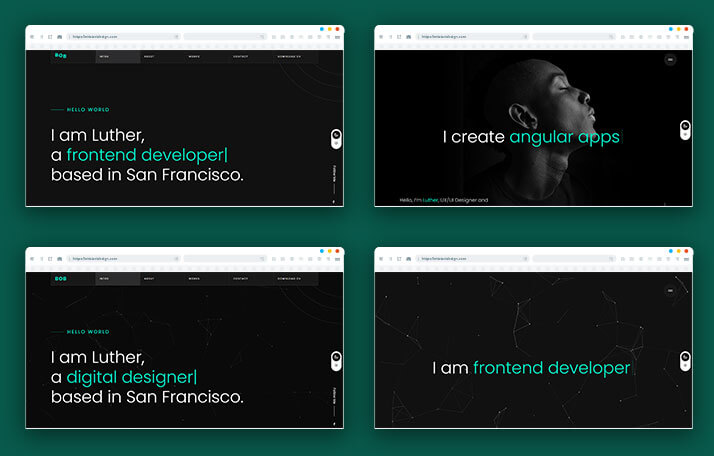
BOB – Angular Portfolio & Resume Website Template
BOB is a creative Angular portfolio and resume website template built for online resumes, simple portfolios, CV websites, and personal branding pages within the Angular ecosystem today.
Use code FIRST30 at checkout — valid across every Bootstrap, Angular, and React
template.