
Canva – Multipurpose Bootstrap 5 Landing Page Template
Canva is a multipurpose Bootstrap 5 landing page and website template built for startups, resume and portfolio sites, app and software promotions, and IT and consulting services alike.
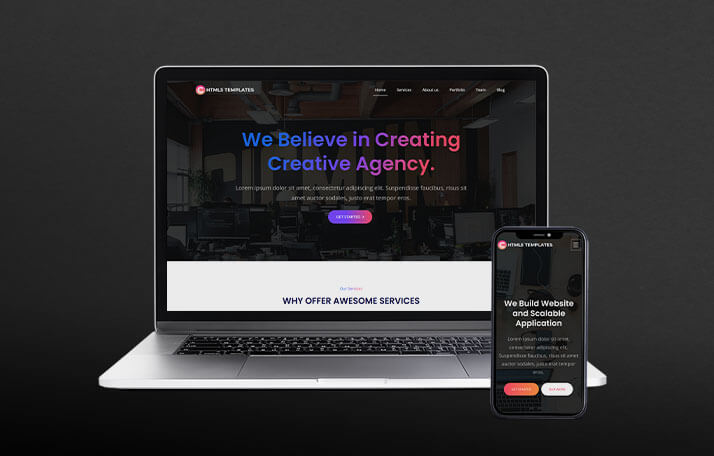
See every module before you buy
Each screenshot opens the full Canva – Multipurpose Bootstrap 5 Landing Page Template live preview, where you can browse the live preview and documentation.


Overview
About Canva
Different projects need different homepage styles, and rebuilding a site's foundation every time a new use case comes up wastes real time better spent on the actual work that moves a business or career forward. Canva – Bootstrap Landing Pages and Website Portfolio Templates was built to remove that repeated cost, offering a multipurpose Bootstrap 5 landing page collection ideal for startups, resume and portfolio website templates, apps and software promotion, multi-page HTML themes, and consulting and IT services.
Canva's multipurpose structure means one downloaded template can carry a founder, freelancer, or consultancy through several different project needs: a startup pitch page, a personal resume or portfolio, an app promotion, or a consulting services page, all sharing one consistent, professional design language. That range matters for the specific audience Canva serves — people and small teams who need a dependable template that adapts rather than a narrow, single-purpose one that gets discarded after its first use.
The template is well suited for early-stage startups presenting a first pitch, freelancers and job seekers building a resume or portfolio site, developers promoting an app or software product, and IT consultancies or service businesses needing a multi-page professional presence. Canva's clean Bootstrap 5 foundation holds up across all of these without requiring extensive customization to feel appropriate for any single one.
Icon Library Included
A comprehensive icon set is bundled directly with the template, covering common interface actions and navigation needs without requiring a separate icon library to be added and configured.
Why a Multipurpose Template Earns Its Place
Narrowly scoped templates built around one specific use case — a portfolio, a resume, a product launch — lose their usefulness the moment a project's needs shift even slightly. Canva takes a different approach, built with enough flexibility in its section structure and visual language to genuinely serve several different purposes without feeling stretched thin in any of them. That versatility means the same template can carry a freelancer through a personal resume site today and a client's app promotion page next month, without switching tools or relearning a new codebase each time a new project need arises.
There's also a real efficiency argument for teams and individuals juggling multiple small projects at once. Rather than maintaining separate templates for each specific use case, Canva's multipurpose structure reduces the mental overhead of context-switching between different codebases, letting the same familiar patterns carry across a portfolio, a startup pitch, and a consulting site alike. That consistency compounds in value the more often the template gets reused across different projects over time.
There's also a genuine cost-of-experimentation benefit worth noting. Early-stage ideas rarely arrive fully formed, and testing several different positioning angles or project types often matters more than getting any single page pixel-perfect on the first attempt. Because Canva adapts across so many use cases, it lowers the cost of that kind of iteration meaningfully, letting founders and freelancers test ideas quickly rather than committing to a single narrow template before knowing exactly what direction a project will eventually take.
Google Fonts Integration
A wide range of Google Fonts is integrated directly, giving flexibility in typography choices to match whatever personal or brand identity a given project requires.
Smooth Animation Effects
Subtle scroll-triggered and hover animations add polish throughout the template, giving pages a modern, dynamic feel without slowing down performance.
Key Features of Canva
Built on Bootstrap 5
A modern, well-supported technical foundation keeps the template approachable for developers of any experience level while remaining fast-loading and dependable.
Multipurpose Homepage Layouts
Multiple homepage variants give real flexibility in how a startup, freelancer, or consultancy presents itself, without forcing every use case into an identical fixed structure that doesn't quite fit its actual purpose.
Resume and Portfolio Sections
Dedicated layouts for presenting resumes and portfolio work give job seekers and freelancers a polished way to showcase experience and projects on one cohesive site.
App and Software Promotion Pages
Purpose-built app promotion layouts give developers a genuine head start on presenting features, screenshots, and download links clearly and compellingly to prospective users.
Multi-Page HTML Structure
Canva supports a genuine multi-page structure, giving services, about, and contact content their own dedicated space for consultancies and IT service businesses that need more depth than a single page provides.
Integrated Contact Form with PHP
A working contact form comes integrated with PHP, giving visitors a direct way to reach out once the template is live on a PHP-enabled server.
Fully Responsive Design
The template adapts cleanly across desktops, tablets, and mobile devices, ensuring a professional presentation regardless of how a visitor arrives at the page.
W3C Validated Code
The markup passes W3C validation, giving the template a clean, standards-compliant technical foundation that renders consistently across browsers.
Easy to Customize Components
Sections are built as distinct, editable blocks, supporting quick adaptation of the template to whichever specific use case it's being applied to.
Multiple Section Templates Included
The template ships with a broad set of pre-built sections — hero introductions, feature highlights, pricing blocks, testimonial carousels, and contact forms — giving enough raw material to assemble very different layouts depending on which sections a given use case actually needs.
Cross-Browser Optimization
The template has been tested across the modern browser landscape, ensuring visitors see a consistent, correctly rendered page regardless of their browser choice.
Detailed Documentation and 1 Year Support
Setup documentation and a year of dedicated support are included with every purchase, reducing friction during setup and giving teams a reliable resource for troubleshooting.
Who Should Use Canva
Canva is well suited for early-stage startup founders who need a professional pitch page before committing significant engineering time to a full product build, giving them a credible way to test an idea or collect early interest without over-investing before the concept is validated. A founder who can get a polished landing page live within a day, rather than spending weeks on a full marketing site, gets meaningfully faster feedback on whether an idea has real traction.
Freelancers and job seekers can use Canva's resume and portfolio layouts to present experience and work samples on one polished, shareable page rather than a static document that gets forgotten in an inbox. A resume site built on Canva stays accessible via a single link that can be shared across applications and networking conversations, functioning as a living reference rather than something that needs to be re-sent every time someone asks to see updated work.
Developers promoting a new app or software product can rely on Canva's dedicated promotion layouts, presenting screenshots, features, and download links in a structure built specifically for that purpose rather than adapted awkwardly from a generic business template. IT consultancies and service businesses needing genuine multi-page depth — services, about, contact — benefit from Canva's structural range beyond a single homepage, since these businesses typically need more room to communicate than a single scrolling page can comfortably hold.
And agencies managing multiple small client projects can use Canva as a dependable, reusable template that adapts across different project types without requiring a custom build for each engagement, saving real development time across a busy client roster where not every project justifies a fully bespoke design.
Making the Most of a Multipurpose Template
A common mistake with multipurpose templates is leaving them looking generic, applying the default layout without tailoring it to the specific project at hand. Canva rewards deliberate customization: adjusting the color palette to match a personal or brand identity, selecting the homepage variant that best fits the current use case, and writing genuine copy rather than leaving placeholder text in place all transform the template from an obvious default into something that reads as considered and intentional for whatever project it's currently serving.
Adapting One Template Across Different Needs
Getting the most from Canva's versatility means thinking deliberately about which sections and layout matter most for a given project, rather than defaulting to every included option regardless of relevance. A startup pitch benefits from leading with a clear problem-and-solution framing and a strong call to action; a resume site benefits from leading with experience and skills; a consultancy benefits from a multi-page structure that gives services and credibility content their own dedicated space. The same underlying template supports all of these, but the strongest results come from deliberately matching structure to the specific story being told, rather than treating the default layout as fixed regardless of context.
Because the codebase stays clean and well organized regardless of which direction a particular use takes, this kind of adaptation stays manageable even for someone without deep front-end experience, supporting genuine reuse across a wide range of projects over time without each new application requiring a steep new learning curve.
Conclusion
Canva brings genuine versatility to Bootstrap 5 theming: multipurpose homepage layouts, dedicated resume, portfolio, and app promotion sections, multi-page structure for consultancies, and a well-organized, fully responsive foundation. For startups, freelancers, developers, and service businesses that need one dependable template to carry them across several different project types, Canva offers a flexible, professional starting point built for exactly that kind of ongoing reuse.
That reusability is Canva's real value proposition, distinct from templates built to serve one narrow purpose and then get discarded. A freelancer who builds their own resume site on Canva might reach for it again months later for a client's app promotion page, or a founder who validates one idea with Canva might use the same template for the next idea after that one doesn't pan out. This kind of repeated, low-friction reuse rewards the initial time invested in learning the template's structure, paying dividends well beyond any single project it was first used for.
Related templates
The modules, laid out like the product itself
All 9 highlights, grouped the way they appear in Canva – Multipurpose Bootstrap 5 Landing Page Template's own sidebar.
Built on Bootstrap 5
Multipurpose Homepage Layouts
Resume and Portfolio Sections
App and Software Promotion Pages
Multi-Page HTML Structure
Integrated Contact Form with PHP
Fully Responsive Design
W3C Validated Code
Easy to Customize Components
What buyers are saying
The templates are gorgeous, simple, and easy to modify. I would highly recommend it.
Before you get started
Canva is a multipurpose Bootstrap 5 template built for startups, resumes and portfolios, app promotions, and consulting and IT services.
Canva supports a genuine multi-page structure, giving services, about, and contact content dedicated space for consultancies and service businesses.
Yes, Canva includes dedicated resume and portfolio sections for job seekers and freelancers to showcase experience and work.
Yes, the contact form is integrated with PHP and works once uploaded to a PHP-enabled server.
Yes, Canva is fully responsive and tested across modern browsers and mobile devices.
Change log
- Change to new Dart SaaS using @use & @forward
- Added pre loader and scoll to top functionality
- Removed @imports from SCSS
- Change into Bootstrap version 5.3.5
- Package Updates
- Fix package vulnerabilities
- Bug Fixes
- Initial Release
Related templates

Marvel – Bootstrap Admin Dashboard Template for SaaS & CRM
Marvel is a Bootstrap 5.3 admin dashboard template with 135+ pages, 350+ components, and prebuilt Kanban, invoice, and eCommerce UI, built for SaaS, CRM, and analytics platforms alike.

PORTO – Multipurpose Bootstrap 5 Website Template
PORTO is a multipurpose Bootstrap 5, SCSS, and jQuery website template featuring 15+ homepages and app landing pages, built for SaaS, startups, portfolios, and digital agencies worldwide.
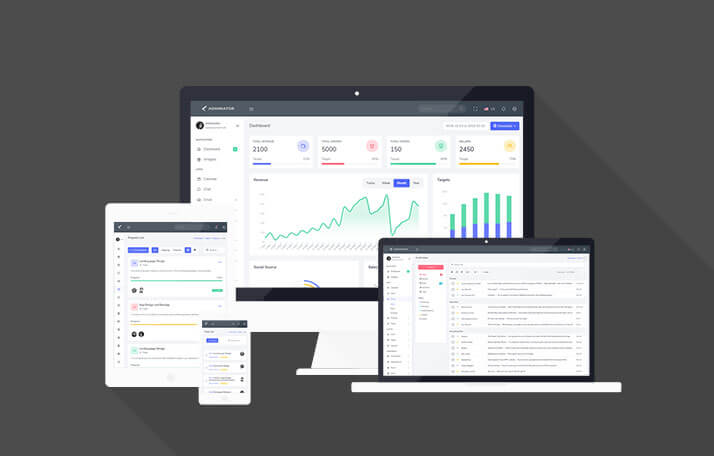
Adminox – Responsive Bootstrap 5 Admin Dashboard & Panel Template
Responsive Bootstrap 5.3 admin dashboard template with 58 pages, 6 layouts, dark mode, RTL, calendar, Kanban, charts, data tables, and form validation. Built with Sass and Gulp.

APIC – Bootstrap Admin Dashboard for SaaS & Analytics
APIC is a responsive, modular Bootstrap 5.3.8 admin dashboard template with 80+ pages, 9+ dashboards, dark mode & RTL support - ideal for SaaS, sales and analytics dashboards.
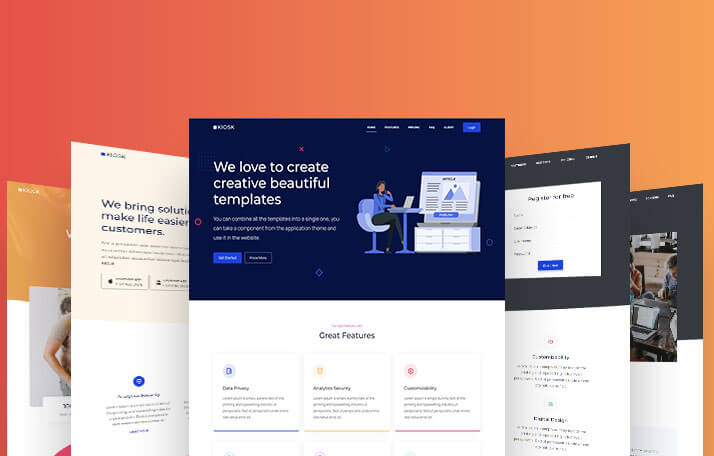
Kiosk – Multipurpose Bootstrap Landing Page Template
Kiosk packs 10+ ready-made page layouts into one Bootstrap 5.3.6 build — SCSS-powered and lightweight enough for a solo founder's landing page or a full agency portfolio site.

Proctu – Hospital & Medical Bootstrap Admin Template
Proctu is a Bootstrap framework-based admin dashboard panel built for patient and hospital dashboards, doctor medical admin panels, and general healthcare HTML dashboard applications.

Letstart – Minimal Bootstrap 5 Admin Dashboard Template
Letstart is a minimal, modern Bootstrap 5.3 admin dashboard template with 70+ pages and 100+ components, built with Sass and jQuery for eCommerce panels and HTML back-end dashboards.
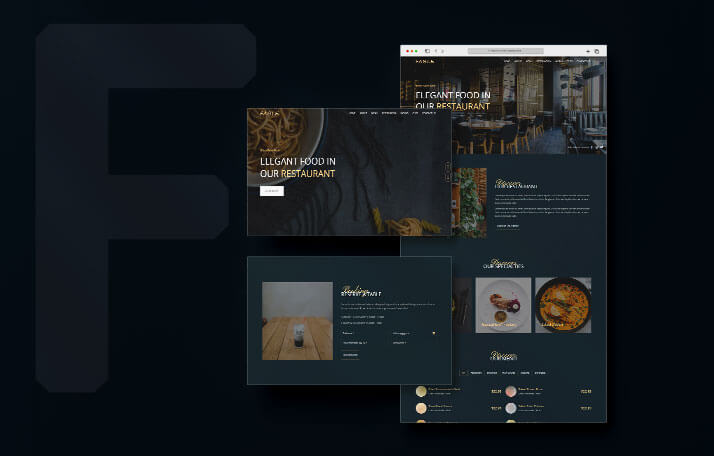
Fable – Restaurant, Hotel & Resort HTML5 Website Template
Fable is a modern HTML5 template blending elegance with functionality, offering a unique and responsive design ideal for restaurants, hotels, resorts, and hospitality businesses today.
Use code FIRST30 at checkout — valid across every Bootstrap, Angular, and React
template.